

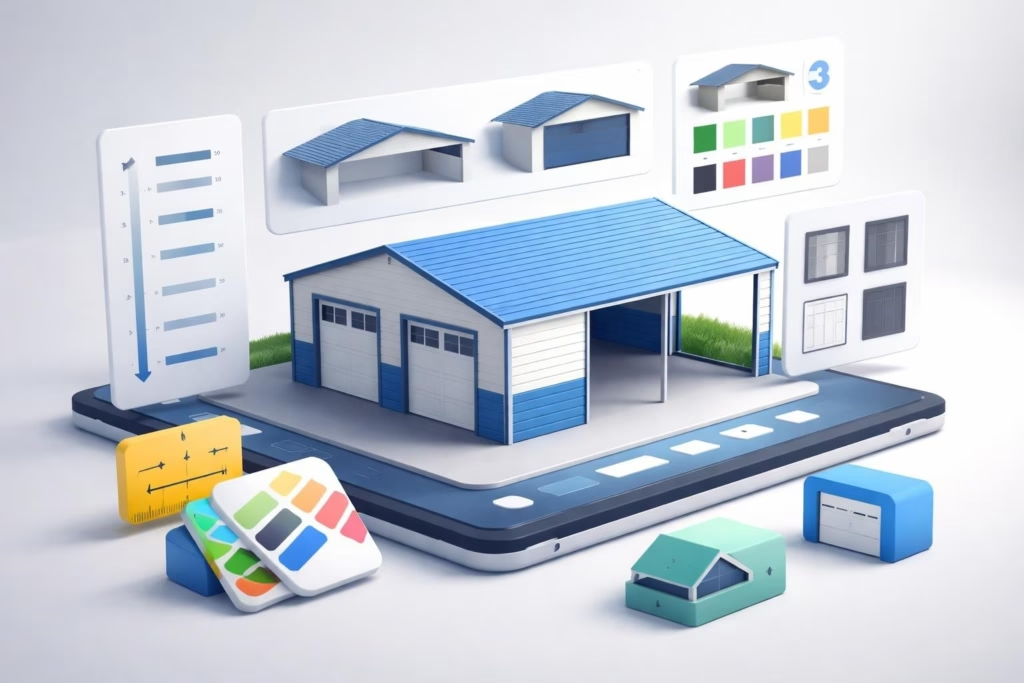
Designing a metal building has never been more accessible thanks to free online 3D design tools that allow you to visualize, customize, and price your structure before making a purchase. Whether you're planning a carport, garage, workshop, or storage building, using a 3d metal building designer free tool empowers you to explore different configurations, experiment with features, and ensure your final design meets your exact specifications. These digital platforms have revolutionized how customers interact with metal building suppliers, eliminating guesswork and providing instant visual feedback that makes the entire planning process more efficient and satisfying.
Understanding Free 3D Metal Building Design Software
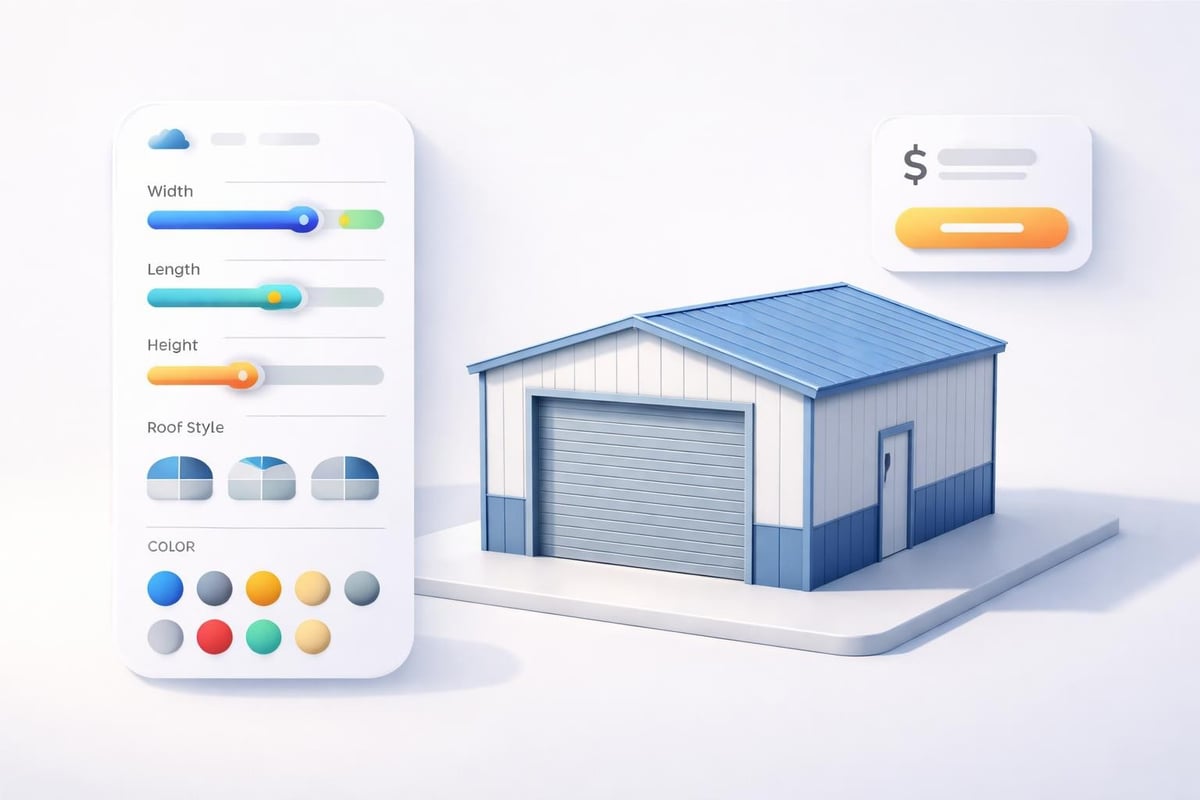
The evolution of online design technology has made professional-grade visualization tools accessible to everyone. A 3d metal building designer free platform typically runs directly in your web browser, requiring no downloads or installations. These tools use real-time rendering to display your custom structure from multiple angles as you adjust dimensions, select roof styles, choose colors, and add features like doors and windows.
Most free design platforms operate on a configurator model where you make selections from available options. You'll typically start by choosing your building type (carport, garage, barn, etc.) and then specify the basic dimensions. From there, the software generates a 3D model that updates instantly as you modify features. This immediate visual feedback helps you understand how different choices affect the overall appearance and functionality of your structure.
Key Features of Quality Design Tools
When evaluating a 3d metal building designer free option, several features separate basic tools from comprehensive platforms:
- Real-time 3D visualization that updates as you make changes
- Multiple viewing angles including front, side, and aerial perspectives
- Color customization for roof, trim, and wall panels
- Door and window placement with various size options
- Roof style selection (regular, boxed eave, vertical)
- Instant pricing based on your configuration
- Save and share functionality for designs
- Mobile compatibility for on-the-go planning
The best platforms integrate pricing directly into the design experience. As you add features or increase dimensions, the price updates automatically, helping you stay within budget while maximizing value.
Popular Free 3D Metal Building Design Platforms
Several companies have developed robust free design tools that cater to different needs and preferences. Low Country Structures offers a comprehensive 3D designer that guides users through creating custom garages and carports with instant quotes. Their interface emphasizes simplicity while providing detailed customization options.
Similarly, Chameleon Metals provides a 3D builder specifically designed for sheds and barns, with extensive configuration capabilities for colors and features. The platform excels at showing material choices in realistic lighting conditions.
Comparison of Design Tool Capabilities
| Platform Feature | Basic Tools | Advanced Tools | Professional CAD |
|---|---|---|---|
| 3D Visualization | Limited angles | Full 360° rotation | Complete modeling |
| Customization Options | 5-10 choices | 20+ options | Unlimited |
| Pricing Integration | Sometimes | Usually included | Separate quote |
| Mobile Access | Varies | Yes | Desktop only |
| Save/Share Designs | Rarely | Standard feature | Project files |
For those seeking maximum control, FreeCAD offers open-source parametric modeling capabilities, though it requires more technical knowledge than consumer-focused platforms. Similarly, OpenSCAD provides script-based 3D modeling for users comfortable with programming approaches.
Designing Your Metal Carport Step by Step
The process of using a 3d metal building designer free tool follows a logical sequence that ensures you don't overlook critical decisions. Starting with clear objectives helps you navigate the options more efficiently and arrive at a design that truly meets your needs.
Establishing Your Requirements
Before launching into design software, document your specific needs:
- Measure the space where the structure will be installed
- List what you'll store to determine minimum dimensions
- Consider future needs for potential expansion
- Check local regulations regarding setbacks and height restrictions
- Set a realistic budget including installation and site preparation
These foundational decisions will guide your choices within the design tool and prevent you from creating a structure that looks perfect digitally but doesn't work practically.
Navigating the Design Interface
Most platforms follow a similar workflow. You'll begin by selecting your structure type and entering basic dimensions. The 3d metal building designer free interface then displays your starting configuration in 3D. From here, you can adjust width, length, and height using sliders or input fields.
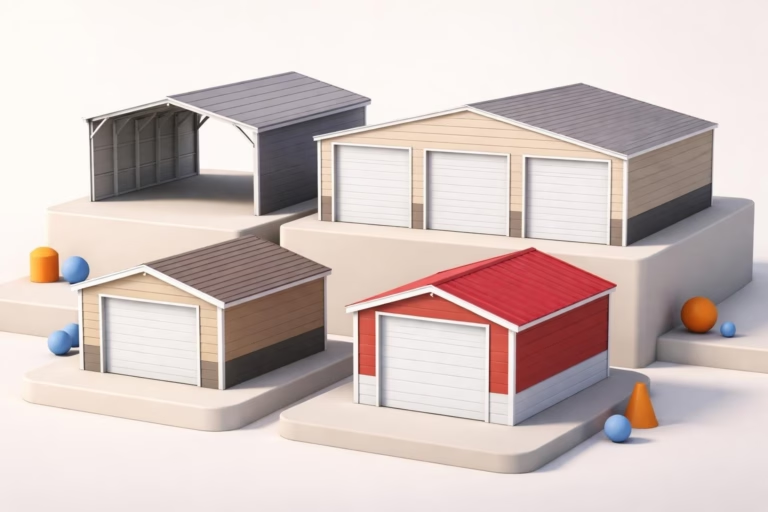
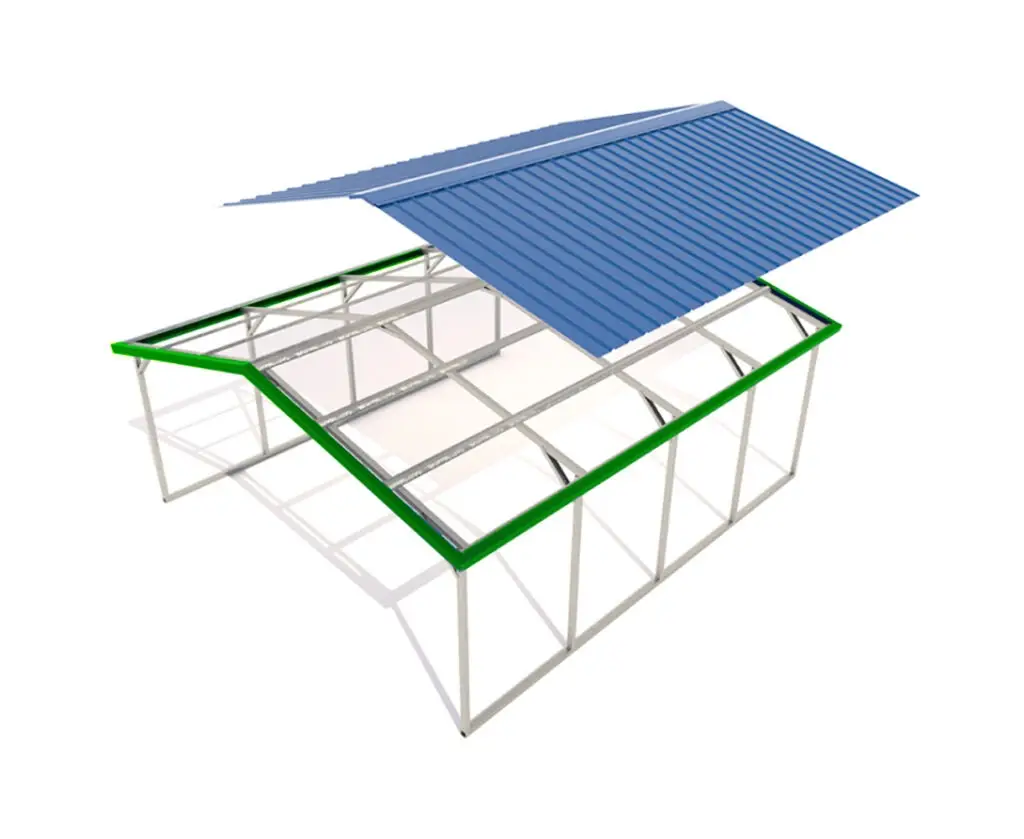
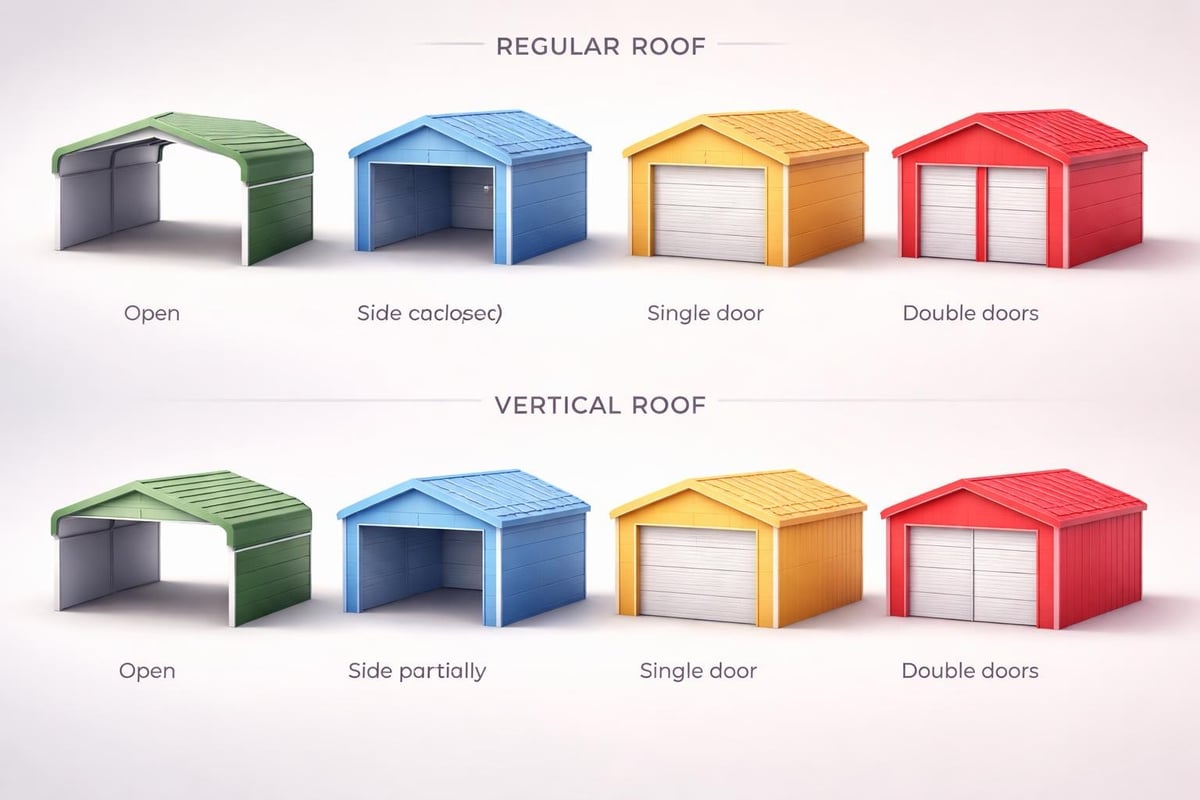
Roof style represents one of the most impactful visual and functional decisions. Regular roof styles feature rounded corners and horizontal paneling, offering economical protection. Boxed eave roofs add horizontal panels at the eaves for a more finished appearance. Vertical roof systems orient panels from peak to eave, providing superior water and snow shedding capabilities-particularly important in areas with heavy precipitation.
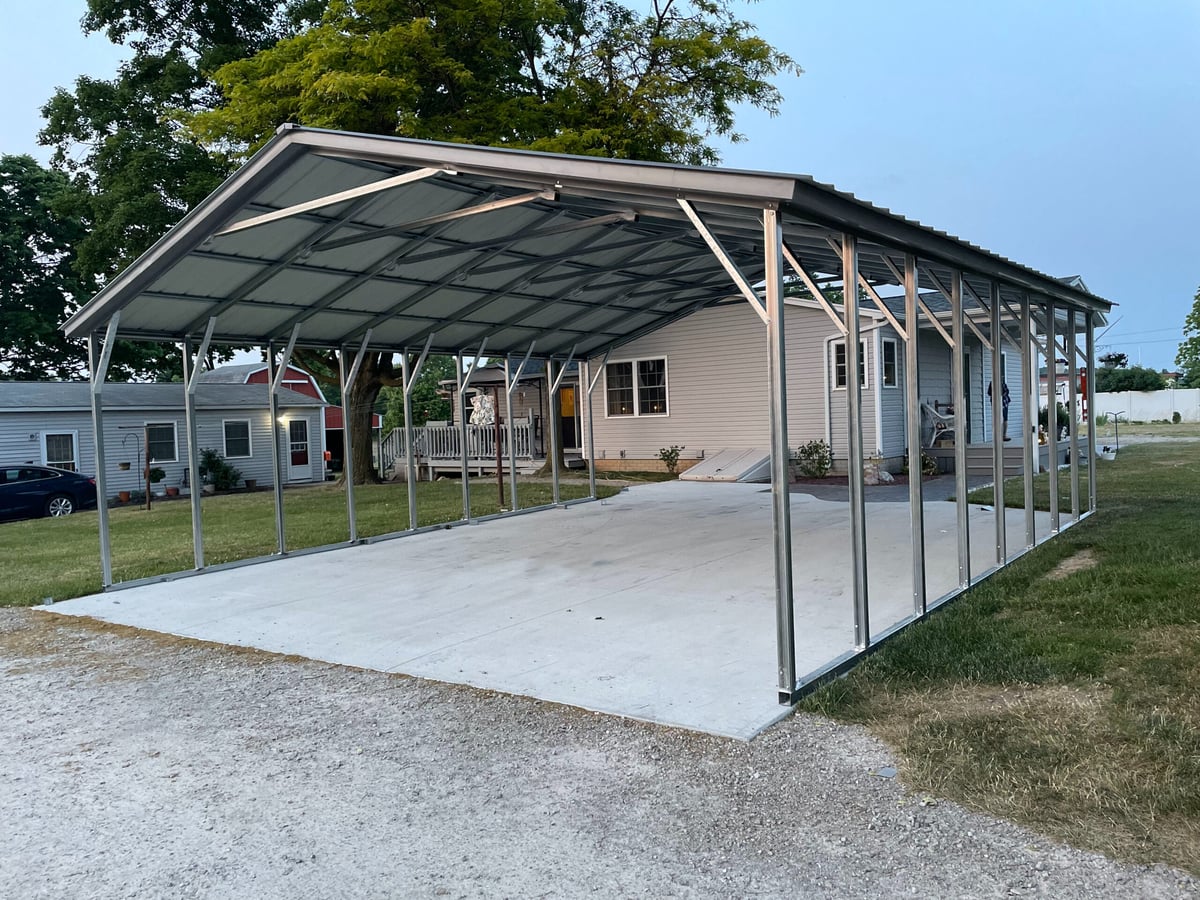
When planning your carport or building, exploring different configurations through a Metal Carport design tool allows you to visualize exactly how your structure will look and function before committing to a purchase, ensuring you get precisely what you need.
Color Selection and Aesthetic Customization
Color choices significantly impact your building's visual integration with existing structures. Most 3d metal building designer free platforms offer 10-15 standard colors plus the option to mix colors between roof, sides, and trim. Popular combinations include matching roof and trim with contrasting walls, or all-white for maximum light reflection.
Consider these factors when selecting colors:
- Climate impact: Dark colors absorb heat; light colors reflect it
- Maintenance: Some colors show dirt or fading more readily
- Property aesthetics: Complement existing buildings and landscapes
- Resale considerations: Neutral colors appeal to broader audiences
The 3D visualization makes it easy to preview different color combinations instantly, helping you avoid costly mistakes.
Advanced Features and Customization Options
Beyond basic dimensions and colors, sophisticated 3d metal building designer free tools allow you to specify numerous additional features that enhance functionality and value. These options transform a simple shelter into a precisely tailored solution.
Enclosure and Protection Options
You can typically configure each side of your structure independently:
- Fully open: Maximum accessibility and airflow
- One-side enclosed: Weather protection from prevailing winds
- Two-sides enclosed: Creates defined workspace
- Fully enclosed: Complete protection and security
Gable ends add vertical panels at the front and rear, creating a more finished appearance while blocking wind-driven rain. Some platforms allow you to extend gables beyond the roofline for additional coverage.
Door and Window Integration
Professional design tools include various door options with precise placement control. Walk doors provide convenient access, while garage doors accommodate vehicles. Roll-up doors maximize opening size while requiring minimal clearance. Window placement enhances natural lighting and ventilation for workshop applications.
The AT Metal Buildings 3D designer guides users through step-by-step customization, making it particularly accessible for first-time builders who want comprehensive guidance throughout the design process.
Technical Specifications and Structural Considerations
A truly useful 3d metal building designer free tool provides transparency about the structural components supporting your building. Understanding these specifications helps you make informed decisions about quality and longevity.
Frame and Panel Standards
Metal buildings typically use steel tubing for structural frames, with gauge numbers indicating thickness. Lower gauge numbers mean thicker, stronger steel. Common specifications include:
| Component | Standard Grade | Premium Grade |
|---|---|---|
| Frame Tubing | 14-gauge | 12-gauge |
| Roof Panels | 29-gauge | 26-gauge |
| Wall Panels | 29-gauge | 26-gauge |
| Leg Height | 6-7 feet | 8-12+ feet |
| Anchor System | Mobile home anchors | Concrete anchors |
Premium specifications provide enhanced durability and longer warranties, making them worthwhile investments in areas with severe weather conditions.
Load Ratings and Certifications
Professional design platforms indicate whether structures meet certified engineering standards for wind and snow loads. These certifications are often required by building departments and insurance companies. Different regions require different ratings based on historical weather data.
When exploring metal structure options, understanding how design choices affect structural integrity helps you balance cost with safety and compliance requirements.
Practical Applications and Real-World Design Scenarios
The versatility of modern metal buildings makes them suitable for countless applications. A quality 3d metal building designer free tool helps you optimize designs for specific uses.
Vehicle Protection Scenarios
Single-car carports typically measure 12×21 feet, providing adequate coverage for standard vehicles with some front and rear clearance. Two-car configurations commonly start at 18×21 feet, though 20-24 foot widths offer more comfortable spacing. RV covers require significant height-typically 12-14 feet-and lengths up to 40+ feet depending on vehicle size.
Design considerations vary by vehicle type:
- Compact cars: Minimum 12×20 feet, 6-7 foot height
- Full-size trucks: 14×24 feet, 8-9 foot height for lifted vehicles
- RVs and motorhomes: 14-16 foot width, 12-14 foot height, custom length
- Boats on trailers: 14-16 foot width to accommodate beam, appropriate length
- Multiple vehicles: 20-30+ foot widths with appropriate length
The Easy Building Designer platform operates entirely in the cloud, allowing you to access your designs from any device without software installation, which proves particularly convenient when consulting with family members or contractors.
Workshop and Storage Applications
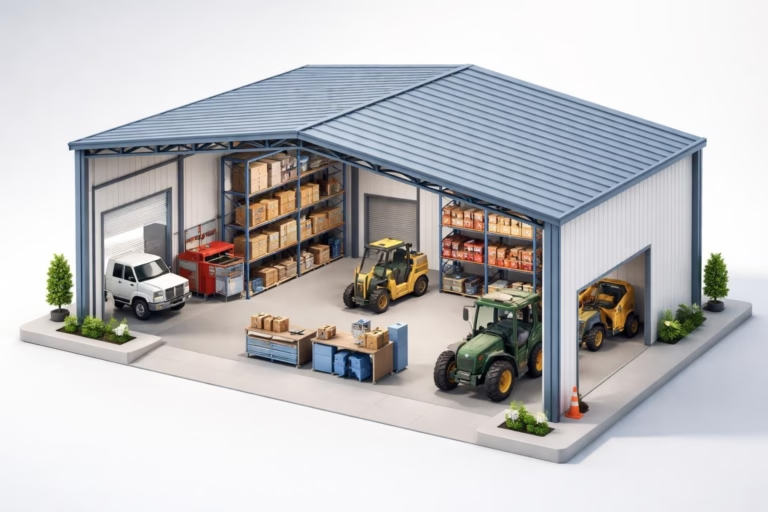
Converting a basic carport into an enclosed workshop requires careful planning. You'll want to position doors for optimal workflow, add windows for natural light, and potentially include partition walls for separate areas. Height considerations become critical if you'll operate lift equipment or store tall items.
Agricultural applications like horse barns benefit from features like multiple access doors, partial enclosures for wind protection while maintaining airflow, and extended leg heights for better air circulation.
Maximizing Value Through Smart Design Choices
Strategic use of a 3d metal building designer free platform helps you optimize your investment by identifying where to allocate budget for maximum impact. Not all upgrades provide equal value for every application.
Cost-Effective Enhancement Strategies
Prioritize these upgrades based on your specific situation:
- Vertical roof: Essential in snow/heavy rain areas; optional in mild climates
- Certified engineering: Required by many jurisdictions; always recommended
- Partial enclosure: Cost-effective weather protection compared to full enclosure
- Additional height: Relatively inexpensive upgrade providing significant utility
- Premium gauge: Worthwhile for permanent structures; standard may suffice for temporary
Conversely, some popular options deliver minimal practical benefit in certain contexts. Excessive width for your actual needs increases material and installation costs without functional gain. Elaborate color schemes rarely justify premium pricing unless aesthetics are paramount.
Comparing Multiple Configurations
The true power of digital design tools emerges when you create and compare several variations. Most platforms allow you to save multiple designs, making it easy to evaluate trade-offs between features and pricing.
Try these comparison strategies:
- Design minimum acceptable specifications first to establish baseline cost
- Add one premium feature at a time to see incremental pricing impact
- Create "good, better, best" variations to present to household decision-makers
- Test different footprints that achieve similar square footage (e.g., 20×30 vs 24×25)
The Discovery Buildings builder tool provides real-time pricing updates as you customize, making cost comparisons particularly straightforward and transparent throughout the design process.
Integration with Purchasing and Installation
A well-designed structure on screen becomes valuable only when properly installed on your property. Understanding how your 3d metal building designer free experience connects to the actual purchasing and installation process ensures smooth project execution.
From Digital Design to Physical Structure
After finalizing your design, the typical process includes:
- Quote confirmation: Verify pricing includes delivery and installation
- Site preparation: Ensure level ground and proper clearances
- Permitting: Submit plans to local building department if required
- Scheduling: Coordinate installation date based on site readiness
- Installation: Professional crews typically complete setup in 1-2 days
- Final inspection: Verify structure matches specifications
Many suppliers provide the design tool as part of their sales process, meaning your configuration transfers directly to order fulfillment. This integration eliminates transcription errors and ensures what you designed is precisely what gets installed.
Questions to Ask Before Finalizing
Even with comprehensive digital tools, confirm these details with your supplier:
| Question Category | Specific Details to Verify |
|---|---|
| Pricing | Total installed price, payment terms, financing options |
| Installation | What's included, site preparation requirements, timeline |
| Materials | Exact gauge specifications, panel brand, fastener type |
| Warranty | Frame coverage, panel coverage, who honors warranty |
| Modifications | Post-installation expansion options, change fees |
Access to resources like frequently asked questions helps address common concerns before they become obstacles.
Mobile and Cloud-Based Design Solutions
The increasing sophistication of mobile devices has enabled 3d metal building designer free tools that function seamlessly across smartphones, tablets, and desktop computers. This flexibility accommodates modern shopping behaviors where research often begins on mobile devices.
Advantages of Cloud-Based Platforms
Cloud-native design tools offer several benefits over downloadable software:
- Instant access without installation or updates
- Cross-device synchronization of saved designs
- Collaboration features for sharing with family or contractors
- Always current with latest options and pricing
- Device agnostic functionality on any operating system
Mobile-optimized interfaces adapt controls for touch interaction, making it practical to explore designs while standing at your actual building site. This capability helps you visualize scale and positioning in real-world context.
Responsive Design Considerations
Quality mobile experiences require more than simply shrinking desktop interfaces. The best platforms reorganize navigation for smaller screens, prioritize essential controls, and streamline workflows to accommodate touch input. Large touch targets, simplified color pickers, and swipe-based 3D rotation create intuitive mobile experiences.
Testing your design on multiple devices before finalizing ensures you've thoroughly evaluated all aspects, as different screen sizes and resolutions can reveal details that weren't apparent on your primary device.
Emerging Technologies in Building Visualization
While current 3d metal building designer free tools provide excellent functionality, emerging technologies promise even more immersive and helpful design experiences in the near future.
Augmented Reality Integration
AR technology allows you to place virtual buildings in your actual environment using your smartphone or tablet camera. Point your device at your property, and see a full-scale representation of your designed structure overlaid on the real landscape. This technology helps you evaluate sizing, positioning, and aesthetic integration far more accurately than traditional visualization.
Several metal building suppliers are developing AR features that work with standard mobile devices, requiring no special equipment beyond your phone. These tools help answer questions like "will my truck fit comfortably?" or "does this block my view?" with unprecedented clarity.
Virtual Reality Walkthroughs
VR technology enables you to "walk through" your designed building before construction, experiencing the space from a human perspective. This proves particularly valuable for workshop and barn applications where interior layout significantly impacts functionality. You can test whether planned door positions provide adequate workflow, if window placement delivers desired lighting, and whether dimensions feel appropriately spacious.
As VR headsets become more affordable and accessible, expect more suppliers to offer these experiences as part of their design process.
Using a 3d metal building designer free tool transforms the planning process from guesswork into an informed, visual experience that ensures your structure perfectly matches your needs and expectations. When you're ready to move from digital design to physical reality, Metal Structure Sales LLC offers customizable metal carports, buildings, and specialty structures with comprehensive design tools, transparent pricing, and complete delivery and installation services tailored to your exact specifications.